
Product
Private File Sharing Without Hosting Your Files
GhostDesk share links are designed around time-limited access from your storage, so guests can download without GhostDesk hosting the file bytes.
6 min read · Published 2026-06-02 · Updated 2026-06-02
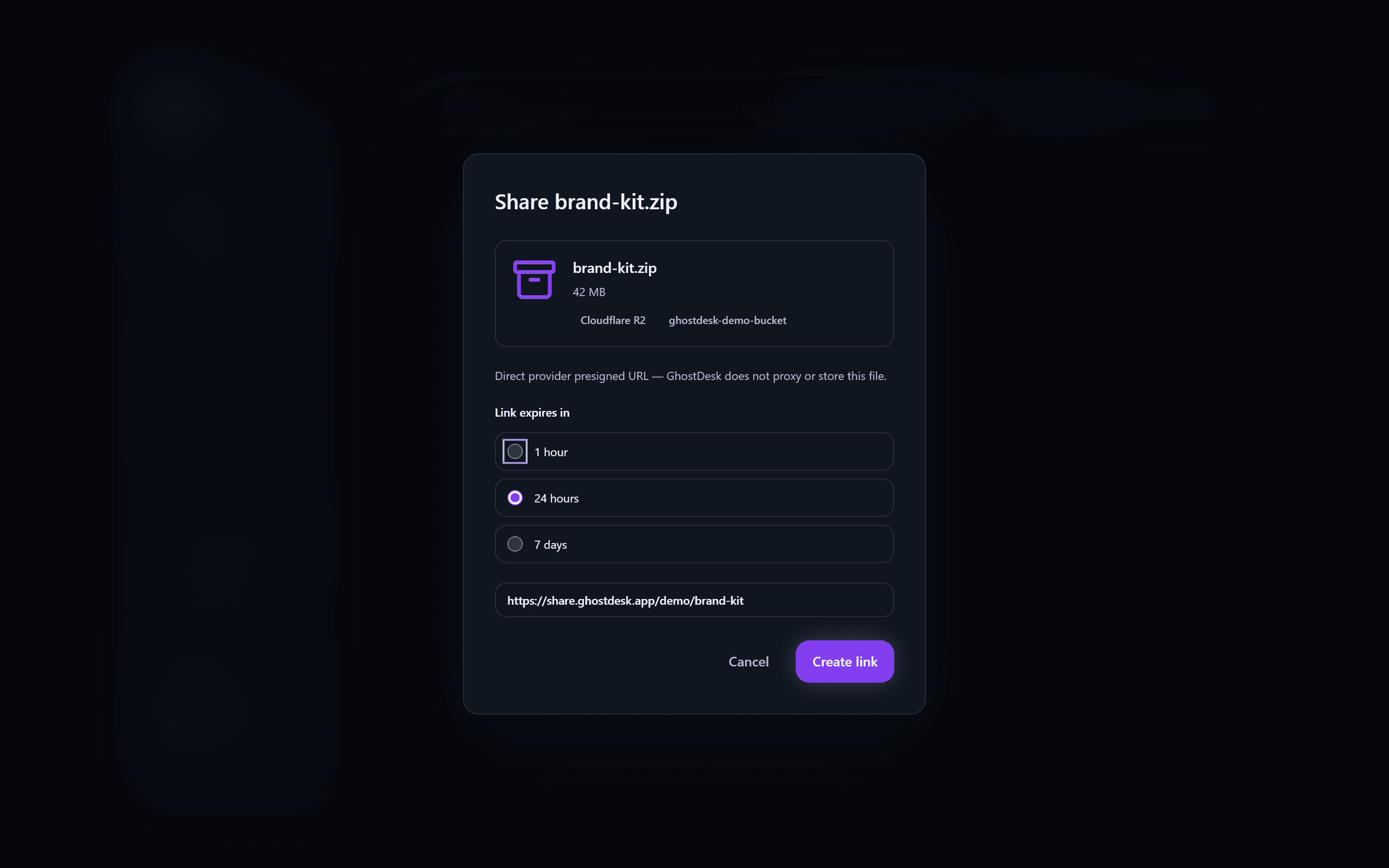
Most file sharing tools work by uploading files to the product provider. GhostDesk takes a different route: the file stays in your storage, and the share link gives temporary access to that file.
How GhostDesk share links work
When you create a share link, GhostDesk records the metadata needed to resolve the share page and uses your storage provider to create time-limited access. The guest experience is a clean public download page, but the file bytes are not hosted by GhostDesk.
- Choose a file or folder.
- Pick an expiry window such as 1 hour, 24 hours, or 7 days.
- Send the link to the recipient.
- Guests download directly from your storage path through time-limited access.
The privacy advantage
This model keeps the storage relationship simple. Your provider serves the file. GhostDesk provides the desktop workflow and the guest page experience.
When to use it
This approach is a strong fit for product assets, launch files, internal documents, design handoffs, and other files where you want a polished sharing experience without moving the source file into another storage product.
Build with GhostDesk
Work with storage you own from a compact private desktop.
Start with Cloudflare R2 and S3-compatible providers. GhostDesk gives you browse, upload, share, and Ghost Mode workflows without hosting your files.
Read the security model