
No file hosting
GhostDesk does not store, proxy, or resell your object bytes. Uploads and downloads go between your device and the provider you connect.
Security model
GhostDesk is built for people who want a polished desktop workflow without giving up storage control. This page explains the trust boundary in plain language.
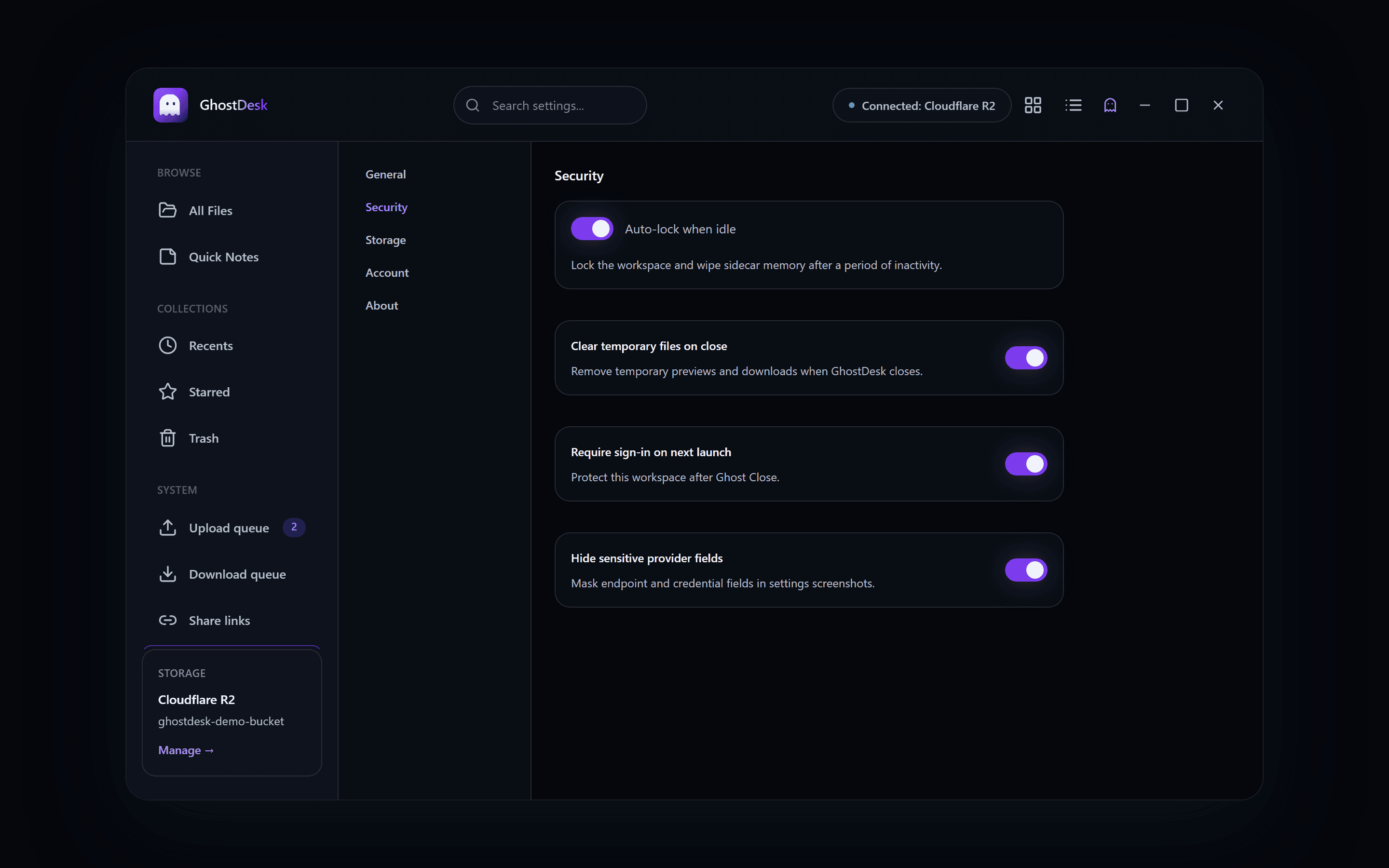
Credential encryption, Ghost Mode, and direct-from-storage sharing are part of the product model. Technical details stay visible for people who want to inspect the trust boundary.
Device
You unlock the workspace
01
Encrypted config
Credentials stay password-encrypted
02
Your storage
Files remain with your provider
03
Guest link
Time-limited downloads
04
GhostDesk does not store, proxy, or resell your object bytes. Uploads and downloads go between your device and the provider you connect.
Storage keys are encrypted with your encryption password before they leave your device for sync. GhostDesk cannot read them without that password or your offline recovery kit.
The sidecar keeps decrypted credentials only while your workspace is unlocked. Ghost Close clears that session state on the device.
Share pages are served by GhostDesk, but downloads use time-limited presigned URLs from your bucket — not GhostDesk-hosted copies.
Explore the product tour, read the guides, or download from Microsoft Store on Windows.